


Angular, one of the leading frameworks for web application development, provides developers with a powerful tool for ensuring code modularity. Modularity is a key aspect of modern programming, especially in the context of developing scalable applications. Angular comes equipped with a set of tools that facilitate the creation of clean, structured, and easily maintainable code. One of the key features of Angular is the use of modules. Modules are logical code blocks that bring together components, directives, services, and other application artifacts. This allows developers to compartmentalize functionality, improving code readability and simplifying its maintenance. Each module performs a specific task, and their combination forms a cohesive web application. Angular's dependency injection system also contributes to modularity. Components can be created independently of each other and can be easily reused in different parts of the application. This accelerates the development process and eases code maintenance when making changes. The advantage of modularity is that it facilitates the scalability of applications. As the project size increases, developers can add new modules, expanding functionality without the need to modify existing code. This makes Angular an excellent choice for projects of varying scales, from small web applications to complex enterprise systems. In conclusion, Angular ensures a high degree of code modularity, making it an ideal tool for the development and maintenance of scalable web applications. Modules, the dependency injection system, and other framework functionalities contribute to the creation of structured and flexible code, which is crucial for successful development in modern software environments.
Angular is a powerful framework for web application development, and one of its key components is directives. Directives provide developers with a convenient way to manipulate the Document Object Model (DOM) and create dynamic user interfaces. In this article, we will explore how Angular directives make web application development more efficient and engaging. Initially, Angular was created to improve the structure and maintain the cleanliness of web application code. Directives offer special instructions to Angular, allowing developers to extend the capabilities of HTML and add additional functionalities to it. With directives, developers can declaratively define how application components should interact with the DOM. One of the most commonly used types of directives is structural directives. They enable the alteration of the DOM structure, adding or removing elements based on conditions. For example, the *ngIf directive allows conditionally displaying an element depending on the value of a logical expression. This empowers developers to create dynamic interfaces that respond to data changes. Another crucial type of directive is attribute directives. They allow the modification of the appearance and behavior of existing DOM elements. For instance, the *ngStyle directive enables dynamically setting styles for an element based on data from the component. This opens up extensive possibilities for creating adaptive and interactive user interfaces. One of the advantages of using Angular directives is the increased code reusability. Developers can create their own directives and use them in various parts of the application, reducing duplicated code and simplifying maintenance. Directives also contribute to the separation of responsibilities between developers and designers. Designers can create templates using directives to define the structure and behavior of elements, while developers can focus on business logic and server interaction. In conclusion, Angular directives provide a powerful tool for managing the DOM and creating dynamic user interfaces. They contribute to improving code structure, ensure reusability, and make the web application development process more efficient. Developers can easily build complex and adaptive interfaces, providing users with a more engaging and interactive experience when using web applications built with Angular.
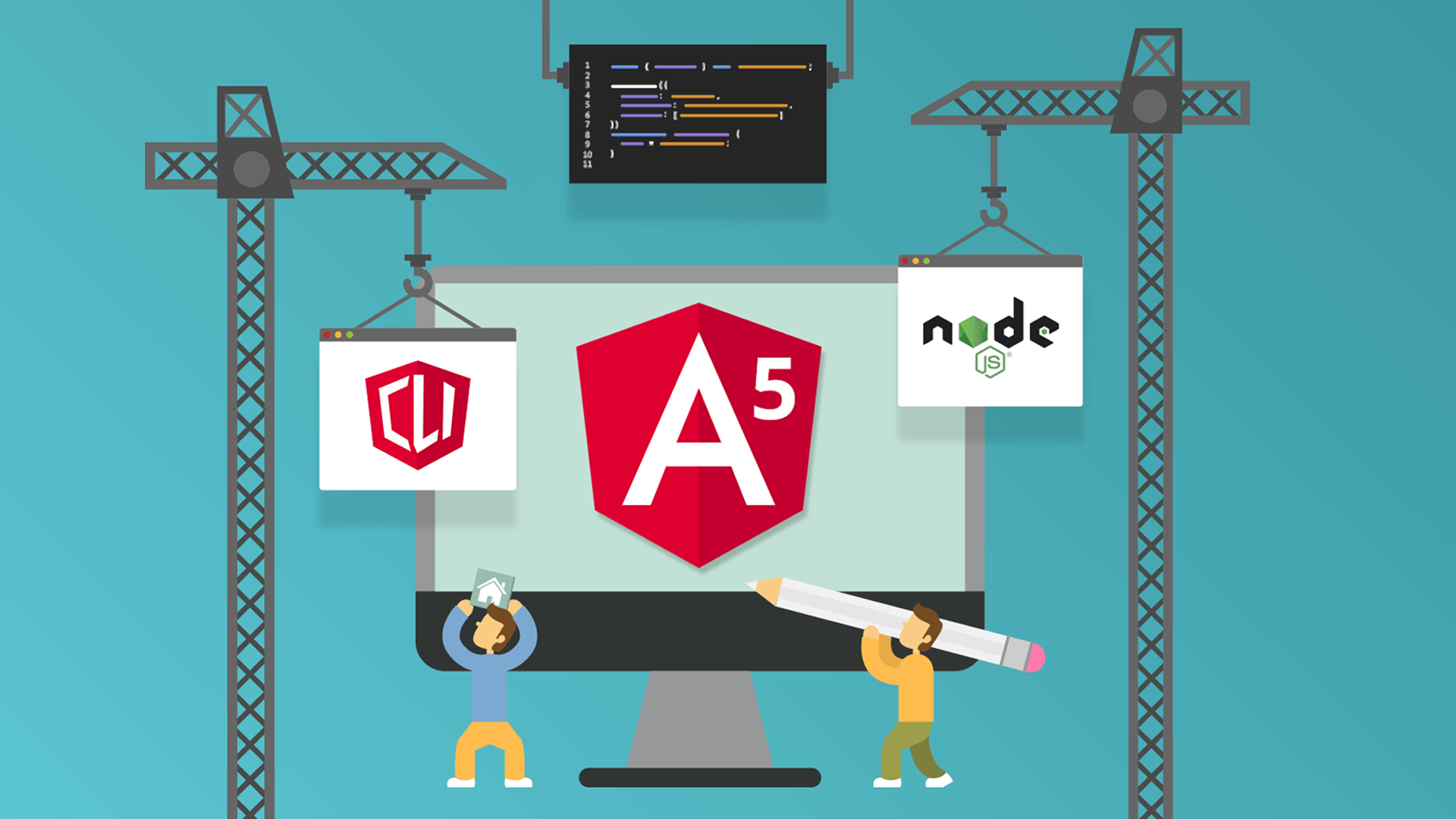
Angular CLI (Command Line Interface) is a powerful tool that simplifies the process of creating, building, and testing Angular framework-based projects with minimal effort. This tool allows developers to focus on creating functional components and business logic, while many routine tasks are automated, reducing the effort required for deploying modern web applications. One of the key advantages of using Angular CLI is the quick project setup. With a single command, developers can initialize a new Angular project with a configured directory structure, configuration files, and basic components. This eliminates the need to manually set up all the necessary infrastructure, reducing the time spent on project configuration. Angular CLI also provides a variety of commands for managing the build and development processes. The `ng build` command, for example, is used to create an optimized build of the project for deployment. This command automatically optimizes and minimizes the code, ensuring a fast and efficient web application. Another important feature of Angular CLI is the `ng test` command, which allows developers to run unit tests in the project. Integration with the Karma testing tool ensures fast and reliable test results. This enables developers to ensure the stability and correctness of the code and quickly respond to any potential issues. To enhance developer productivity, Angular CLI includes the `ng serve` command, which launches a local development server. This allows instant real-time preview of changes without rebuilding the entire project. Such an approach reduces the time spent checking the results of changes, increasing efficiency. Yet another useful feature of Angular CLI is the automatic generation of components, services, directives, and other structural elements of the application. The `ng generate` command enables rapid code generation based on provided parameters. This reduces the chances of making errors and simplifies the creation of new elements in the application. Integration of Angular CLI with build and automation tools also simplifies the deployment of applications. Developers can easily integrate their projects with Continuous Integration/Continuous Deployment (CI/CD) systems, ensuring a smoother and more secure delivery of changes to production. Another advantage of Angular CLI is its extensive community support. Regular updates, documentation, and active community participation make Angular CLI a reliable and up-to-date development tool. In conclusion, Angular CLI is an integral part of the Angular application development toolkit. It provides a quick project setup, simplifies routine tasks, automates build and testing processes, and integrates with a wide range of development tools. Thanks to Angular CLI, developers can focus on key aspects of web application development, increasing productivity and code quality.

Reactive programming with RxJS in Angular is a powerful tool for developing web applications using the Angular framework. This approach efficiently manages asynchronous operations, ensuring cleaner and more manageable code. In this article, we will explore how RxJS interacts with Angular to create reactive applications. RxJS (Reactive Extensions for JavaScript) provides a set of operators and programming patterns for working with asynchronous and event-driven data. In the context of Angular, RxJS is widely used to create reactive components, efficiently managing data and events. The foundation of RxJS lies in observables and operators, allowing the creation, transformation, and combination of data streams. Observables represent a sequence of values that can arrive asynchronously over time, making them an ideal tool for working with events, HTTP requests, state changes, and other asynchronous operations in Angular. One key aspect of reactive programming in Angular involves the handling of events. For example, when working with user input, RxJS enables the creation of event streams, such as form value changes or button clicks, and processing them using operators like `map`, `filter`, and `debounceTime`. This simplifies responding to user actions and managing the application state. RxJS also becomes a powerful tool when dealing with asynchronous requests, such as HTTP requests. Angular inherently uses RxJS to handle HTTP requests, providing the ability to create chains of operators to transform and process data received from the server. This allows efficient data management, saving developers from writing redundant code and improving code readability.
Another crucial component of RxJS in Angular is the ability to work with the application state through a global store. Using the NgRx library, based on reactive programming principles, developers can efficiently manage the application state by creating reactive stores and using actions and selectors. Additionally, RxJS provides operators for handling errors, allowing developers to effectively manage situations where an asynchronous operation fails. This contributes to a more reliable and predictable error handling in Angular applications. Another interesting aspect of reactive programming with RxJS in Angular is the use of modern design patterns, such as the Observer pattern. Observables and subscribers provide a powerful mechanism for organizing interactions between components and services in the application, making the code more modular and easy to understand. In conclusion, reactive programming with RxJS in Angular offers developers an efficient toolkit for working with asynchronous operations and managing the application state. Observables, operators, and reactive programming patterns make the code more flexible, clean, and maintainable. All of these contribute to the creation of scalable and responsive web applications using the Angular framework.
Angular services are a key element in the framework's architecture, providing code reusability, common logic, and functionality across different parts of an application. This mechanism plays a crucial role in creating modular, easily maintainable, and scalable web applications. In this article, we will explore why services in Angular are essential and how they contribute to enhancing development efficiency. One of the key characteristics of Angular services is their ability to provide common logic for use in various components and application services. Services enable the extraction of shared functionality, such as data processing, server interaction, logging, and many other aspects, into a separate abstraction layer. This promotes the creation of modular code that can be efficiently reused in different parts of the application. Creating services in Angular is achieved using dependency injection. This allows components and other application services to use the functionality of a service without directly creating an instance of it. This approach adheres to the Single Responsibility Principle, dividing tasks between components and services. Another important aspect of Angular services is their lifecycle. Services are created once and remain active throughout the application's lifespan. This enables effective state and data management throughout the application's lifecycle, avoiding the need to repeatedly create service instances and preserving their state. The reuse of services also contributes to more efficient application testing. Since common logic is encapsulated within services, testing individual components becomes simpler and more focused. This also facilitates the creation of mocks for services to isolate components and ensure their correct functioning in isolated conditions.
The application of services in Angular is particularly beneficial when dealing with data. Services can provide centralized access and management of data, handling the logic of data retrieval, updates, and deletions. This contributes to the creation of a Single Source of Truth for data in the application, improving consistency and predictability. One common area of application for services in Angular is working with HTTP requests. Services can encapsulate the logic of interacting with the server, handling errors, and providing a standardized interface for data retrieval. This makes the code cleaner, more maintainable, and easily scalable. Additionally, services can be used to interact with browser events, work with caching, manage authentication and authorization, handle form processing, and other aspects of web application development. Their modularity and dependency injection capabilities make services a versatile tool for creating common logic and functionality in Angular applications. In conclusion, Angular services provide a powerful mechanism for creating reusable, modular, and easily maintainable common logic and functionality in applications. Their usage promotes the creation of clean and efficient code, improves testability, and facilitates effective data and state management in the application. With the use of services, developers can build scalable and maintainable web applications, adhering to the principles of modern Angular architecture.

Routing in Angular is a fundamental element for creating navigation scenarios in web applications and maintaining a clean URL structure. This mechanism ensures efficient navigation between different components of the application, providing users with a convenient and intuitively understandable experience. In this article, we will explore how routing in Angular contributes to organizing navigation and enhances interaction with the application. Angular provides a powerful routing module that can be used to define paths and configure navigation in the application. It allows developers to associate components with specific URL addresses and handle user navigation between different entry points in the application. One of the key advantages of using routing in Angular is the support for a clean URL structure. This means that the URLs in the application reflect the structure of its components and sections. For example, if an application has a news section and a news detail page, routing can support URLs like /news and /news/detail/123. This not only improves the readability of URLs for users but also makes the application more understandable and navigable. To use routing in Angular, developers can define routes in the application configuration. A route represents a mapping between a URL template and a component that should be displayed when the route matches. Parameters can also be defined in a route, allowing data to be passed between components through the URL. The advantage of using route parameters lies in the ability to create dynamic URLs. For example, if you need to display details for a specific news article, you can use a route parameter to pass the news article identifier in the URL. This enables the creation of URLs that can be easily shared with other users or saved for future use.
Another important aspect of routing in Angular is the ability to create nested routes. This means that a component can contain its own set of routes, which is particularly useful when creating complex multi-panel interfaces. Nested routes provide a logical organization of the hierarchy of components and offer more flexible navigation scenarios. Routing also provides the ability to preload modules, improving the performance of the application. Instead of loading all components and modules at once, the application can load only those required by the user at the current moment. This reduces the initial load on the application and improves response time. Using routing in Angular also makes it easy to implement route guards. Route guards allow developers to define conditions for accessing specific routes. For example, you can prevent access to an administrator page for unauthorized users. This contributes to enhancing the security of the application and controlling access to different parts of it. In conclusion, routing in Angular is a key tool for organizing navigation in web applications and maintaining a clean URL structure. It provides efficient management of the application state, offers a user-friendly interface for navigation, and contributes to creating an intuitively understandable user experience. With the use of routing, developers can build applications that are not only functional but also enjoyable to use.